Shift planning without errors and chaos
Create work shift schedules quickly, clearly and with full control over your rules.
Keep shift planning under control
With the shift planning tool you can easily create a clear schedule of working hours for your entire team – without unnecessary administration. You can adjust the shift plan on the go according to the current situation and publish it once finished, so employees always have an up-to-date overview. The shift planning tool can be used on its own or connected to an attendance system – whichever suits you better.
How shift planning works
Create a shift schedule for a team or workplace
Planning starts by selecting the team or workplace for which you want to prepare a schedule. You can divide individual plans by department, employee groups or specific workplaces. Approved absences from attendance are automatically shown in the plan, so you plan based on the real availability of employees. As a result, your planning is clear and every schedule is well-organized and tailored to your structure.
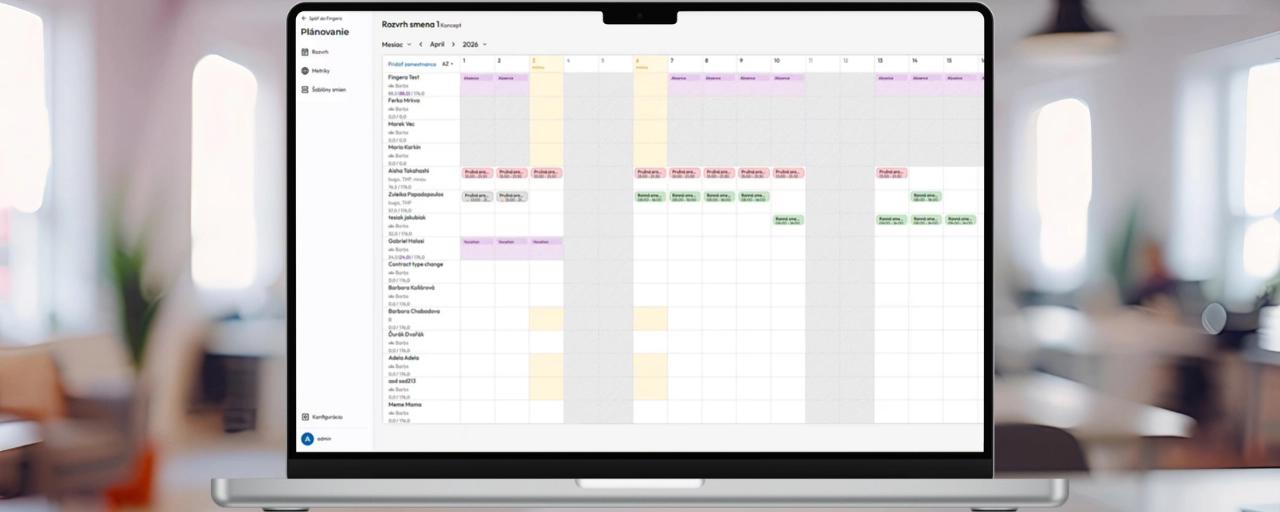
Plan shifts quickly and clearly
You add and adjust shifts directly in the schedule according to current needs. The plan can be easily adapted – whether it is individual days or an entire period. You see all shifts in one place, so you have an instant overview of who is working and when.
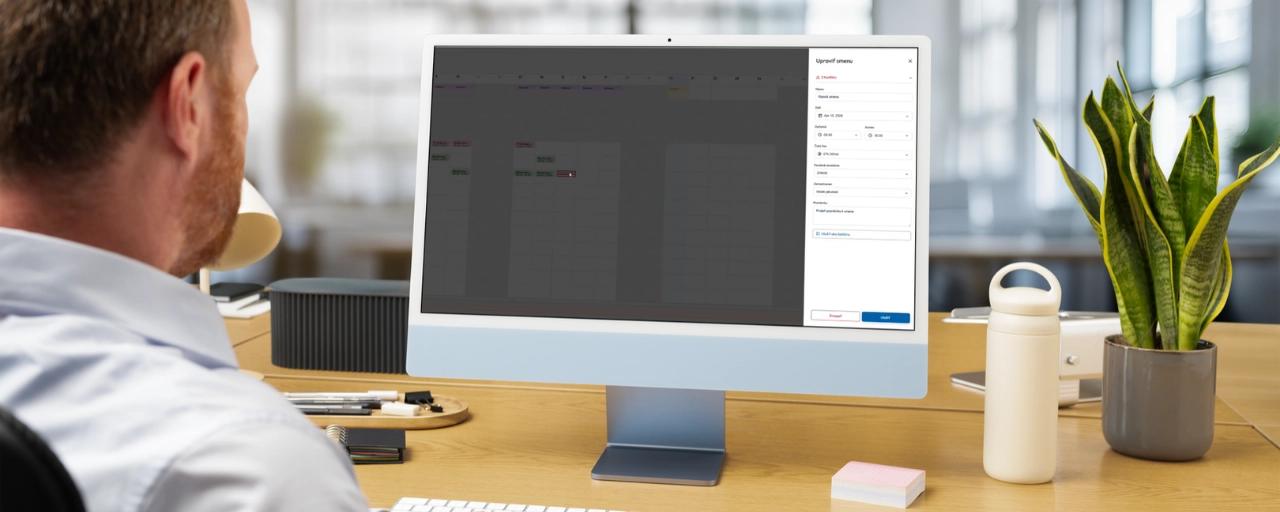
The system alerts you to errors
During planning, the system continuously checks for conflicts and warns about problematic situations. Automatic shift planning catches errors before they affect operations. This can include, for example, overlapping shifts, conflicts with an absence or exceeding the configured limits.

Publish the plan to employees
Once the schedule is ready, you simply publish it. Employees then have access to an up-to-date shift plan without the need for additional communication. This simplifies work organization and reduces the number of questions and misunderstandings.
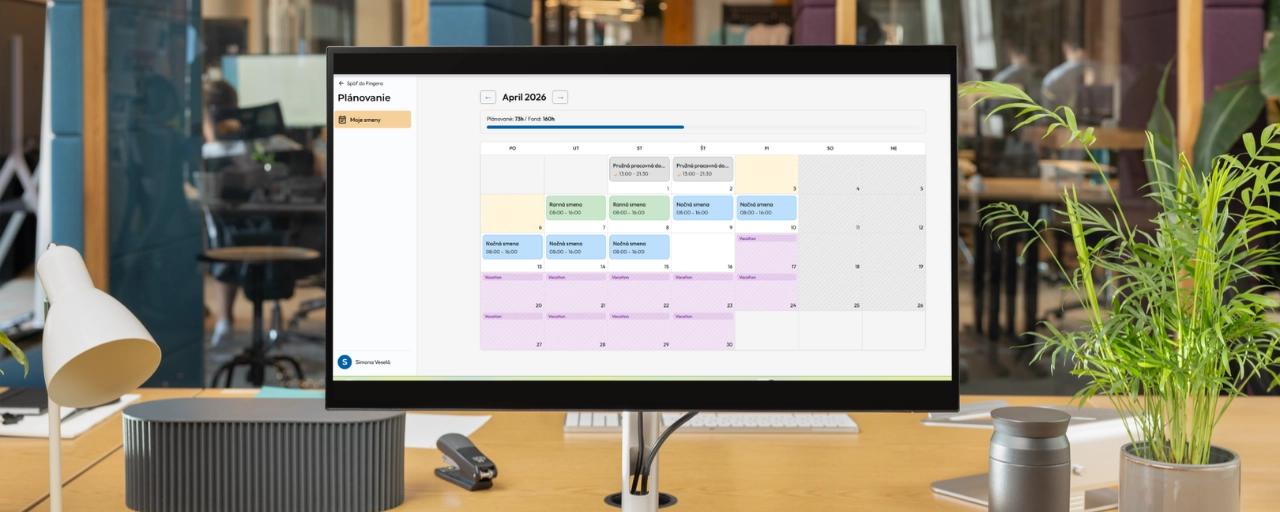
What a shift planning system gives you
Real-time overview of the plan
You see all planned shifts, absences and the working-time fund in one place. As a result, you won't get lost in the plan and will quickly find your way around.
Control without manual work
The system tracks conflicts and warns about problems automatically. You don't have to check everything manually.
Rules based on your operations
You set your own planning conditions and the system automatically checks them when creating the plan.
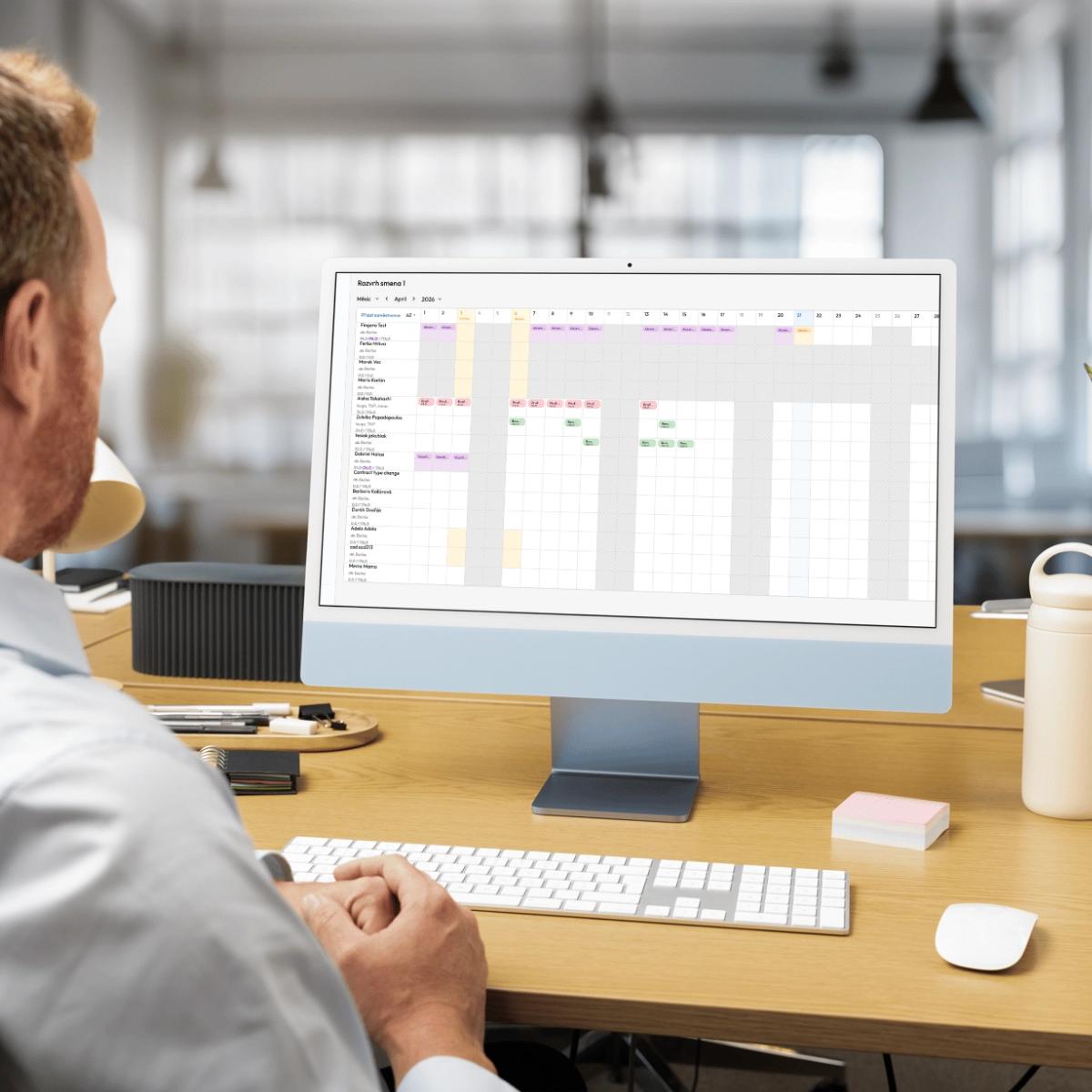
Planning calendar features
- Shift planning using drag & drop
- Templates for recurring shift planning
- Setting work days and weekends
- Automatic conflict checking
- Connection with attendance
For which industries is shift planning crucial

Manufacturing
Shift planning helps keep operations running smoothly even with multi-shift models. You have an overview of shift coverage, react quickly to outages and minimize errors in schedules.

Retail and HORECA
With multiple workplaces or a dynamic environment, you need to keep planning under control. You easily create a schedule for individual branches or shifts and ensure each one is properly staffed.

Healthcare
Shift planning helps ensure continuous operation and staff availability. You have an overview of capacities and can better plan shifts with regard to employee availability.
Simplify shift planning in your company
We'll show you how it can work in practice.
Frequently asked questions
Interested in Fingera?