Approval system
A clear approval system that lets you handle all workplace absence requests easily, quickly and without paperwork – conveniently via the web or the mobile app.
Benefits of the Fingera approval system
Time savings
You handle requests in a few clicks – without paperwork and tedious trips around the offices.
System flexibility
Holiday, doctor, business trip or working from home – the system covers all types of absences.
Intuitive solution
A clear environment in which both the employee and the approver get oriented immediately.
Mobile app
Submit and approve from anywhere – directly from your mobile, whenever you need it.
How the Fingera approval system works

Current overview
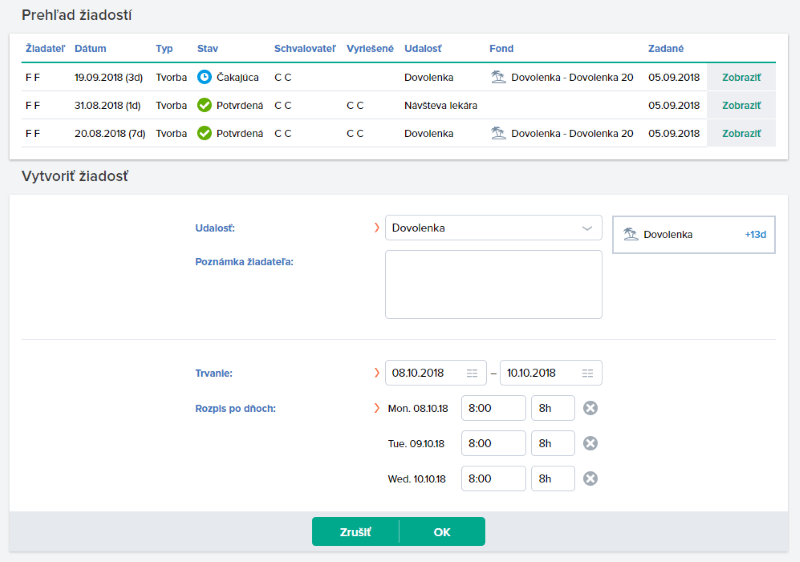
As a requester you have an overview of your current absence entitlements and submitted requests at any time.
Creating a request
Through the web or mobile app you request approval of a holiday, or for example a business trip, in just a few clicks, and you are automatically informed of its handling immediately by email.

Handling a request
The approver is notified of a newly created request by email. Requests waiting for approval can be handled instantly – by clicking the relevant button.
Automatic record in attendance
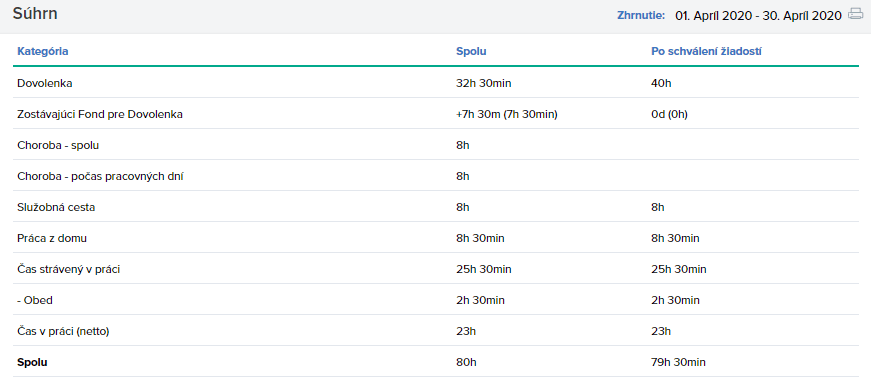
All types of absences are automatically recorded in the attendance report, eliminating the need for attendance administrators to enter absences manually.

Conveniently via mobile too
Whenever you need it, the app gives you an overview of your current absence balances and you can request a holiday or a doctor visit quickly and conveniently in a few clicks.

 A city office switches to a modern attendance systemRead more
 Complete attendance entirely in the mobile app for more than 100 employeesRead more
 Attendance, access and security in a single systemRead more
 The system fully meets our requirementsRead more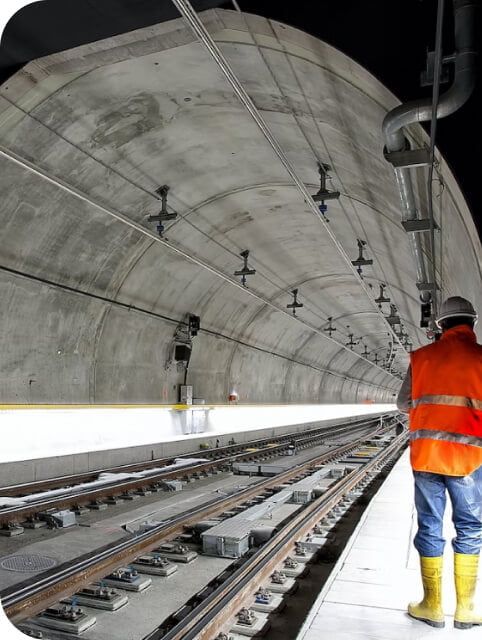
 Recording people on the construction site increased safety and reduced costsRead more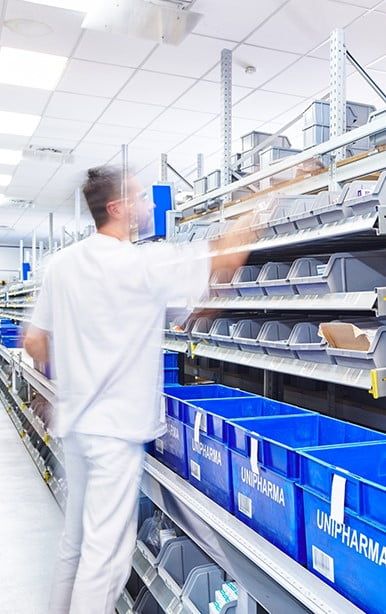
 How to merge attendance, access and catering systems into oneRead more
 A farming company also takes advantage of a biometric attendance systemRead more
 Even the gastro sector embraces digitalized attendanceRead more
Companies that use Fingera solutions



Frequently asked questions
Interested in Fingera?
Get in touch and we will prepare a tailor-made price quote for you.